
Screenshots

App details
- Updated
- Feb 4, 2021
- Language
- English
- Developer
- David K. Levine
- Category
- Mobile
SoftPas in:
This product is also available in the following languages:
About Jarnal
Download Jarnal – note-taking, sketching, drawing, ruled paper, collaborative tool, digital notebook, freehand drawing, PDF export, local network sharing, Java-based app
Overview
Jarnal is a productivity-focused mobile application designed to replicate the tactile experience of writing and drawing on ruled paper. Built with Java, it serves as a digital notebook for users seeking a minimalist yet functional tool for note-taking and sketching. The app is particularly suited for students, educators, and creatives who value the freedom of hand-drawn input without the constraints of traditional digital interfaces. By emulating the layout of physical ruled paper, Jarnal offers a familiar environment that enhances focus and reduces cognitive load during brainstorming or study sessions.
The app addresses the need for a lightweight, offline-capable solution for visual documentation, allowing users to sketch ideas, annotate diagrams, or jot down thoughts with precision. Its collaborative functionality over a local network sets it apart from many similar tools, enabling real-time interaction among users in shared spaces such as classrooms, workshops, or remote team meetings. This feature makes Jarnal a practical utility for group projects where immediate feedback and co-creation are essential.
Although the developer did not provide additional technical details, the app’s minimal size of 2.1 MB suggests a lean, efficient design. Its free availability on Android further increases accessibility, making it a viable option for users seeking a no-cost alternative to more complex digital sketching platforms. In the broader app ecosystem, Jarnal fills a niche for simple, purpose-driven tools that prioritize usability and collaboration over feature bloat.
Key Features & Functionality
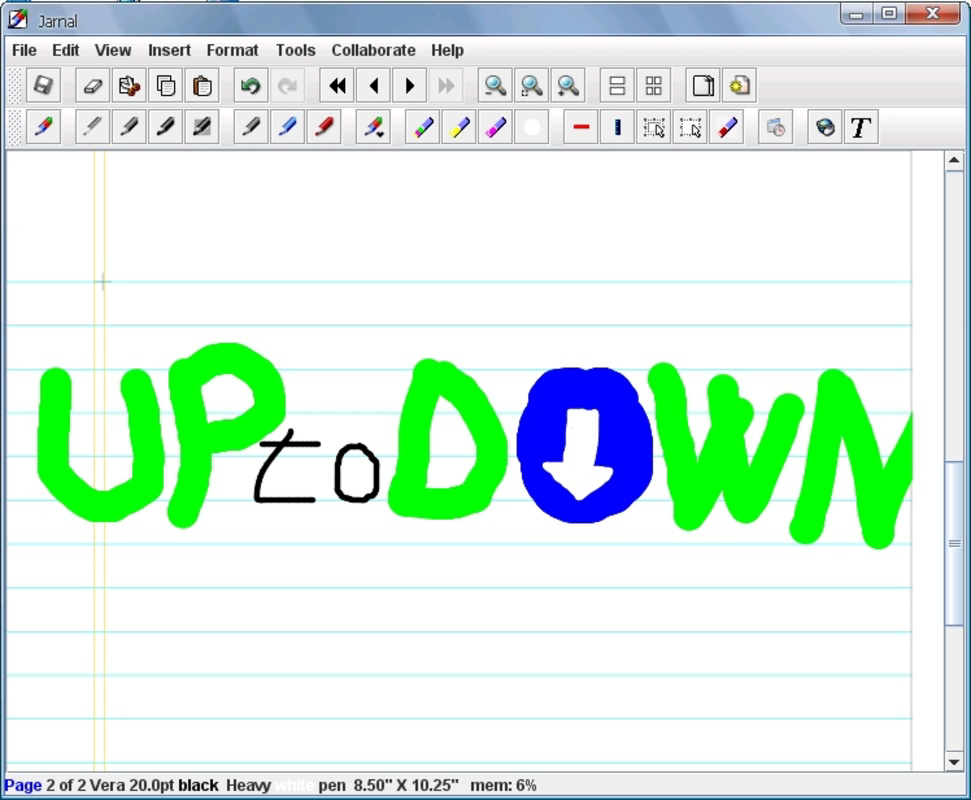
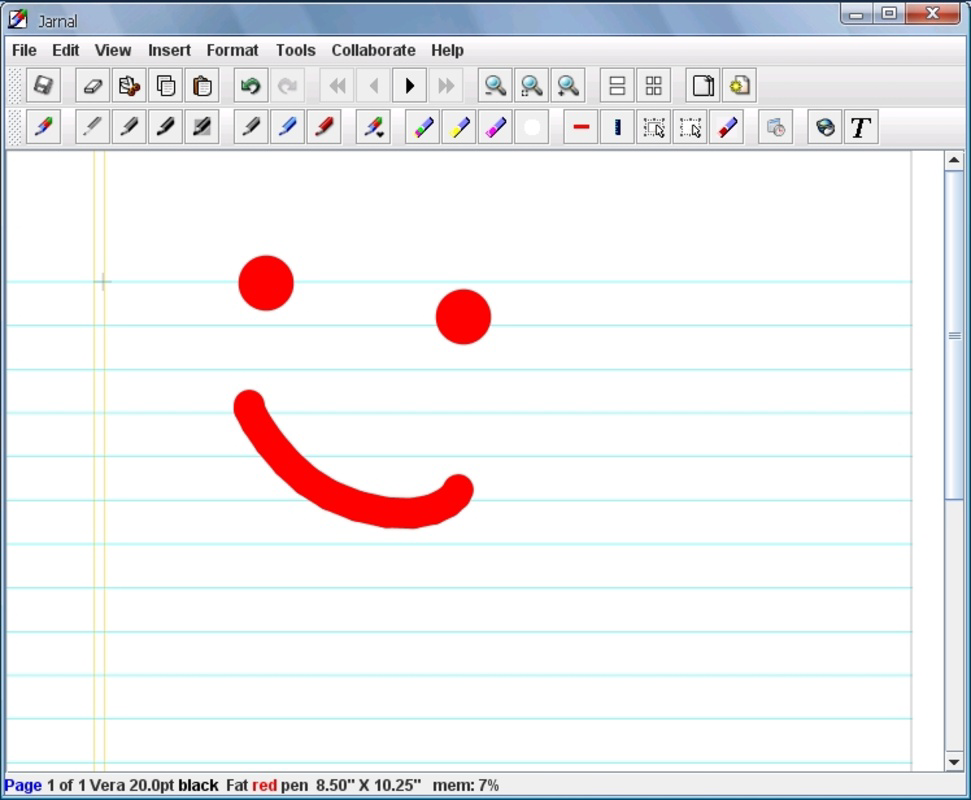
- Freehand Drawing Tools: Jarnal includes a pencil and a highlighter tool, both customizable in color and thickness. The pencil allows users to draw with varying line weights, ideal for detailed sketches or emphasis. The highlighter enables users to mark key sections of their notes or drawings with a translucent color, enhancing visual clarity.
- Eraser Functionality: The built-in eraser tool supports precise correction of mistakes, allowing users to adjust or remove elements without starting over. This feature promotes experimentation and reduces the pressure of perfection, especially useful during rapid ideation sessions.
- Text Tool: Users can insert typed text directly onto their canvas, which is particularly helpful for labeling diagrams, adding captions, or inserting structured notes. This hybrid approach blends handwriting with digital text, increasing the app’s utility for mixed-format documentation.
- Multiple Export Formats: Jarnal supports exporting work in PDF, HTML, and JPEG formats. This flexibility allows users to preserve their content for presentations, sharing, or archival purposes. PDF exports maintain layout integrity, while JPEGs are ideal for quick sharing, and HTML exports offer web-friendly accessibility.
- Collaborative Use Over Local Network: One of Jarnal’s most distinctive features is its ability to enable real-time collaboration among multiple users connected via a local network. This functionality supports synchronized drawing and note-taking, making it a valuable tool for group brainstorming, classroom instruction, or collaborative design sessions.
For example, a teacher could use Jarnal to guide a live problem-solving session where students contribute their solutions simultaneously on a shared canvas. Similarly, a design team could use the app during a workshop to sketch out concepts together, with each member adding their input in real time.
Interface, UX & Performance
Jarnal features a clean, minimal interface that prioritizes functionality over visual embellishment. The layout centers around a digital ruled paper canvas, with intuitive access to drawing tools via a toolbar. Navigation is straightforward, relying on touch gestures for drawing, erasing, and text input. The app maintains a consistent visual style, using neutral colors and clear icons to ensure usability across different screen sizes.
Although the developer did not list formal performance metrics, the app’s small file size of 2.1 MB suggests optimized resource usage. This likely contributes to smooth responsiveness on a range of Android devices, including lower-end models. Users can expect minimal lag during drawing and erasing, particularly in single-user mode.
Stability appears to be a strength, as the app supports real-time collaboration without reported issues related to sync or crashes. However, specific requirements for device compatibility were not disclosed. Users should ensure their device runs a compatible Android version, though the app’s lightweight nature indicates broad potential for compatibility.
Platform Compatibility & Technical Requirements
Jarnal is available exclusively on the Android platform. The app’s current version is 1.0.4, with a file size of 2.1 MB, making it a lightweight download ideal for users with limited storage. The developer did not specify minimum OS requirements or hardware capabilities, so compatibility may vary across devices.
Given that the app is Java-based, it may run on a wide range of Android versions, though this has not been confirmed. Users should check their device’s system settings to ensure the app is supported. The app is free to download and install, with no in-app purchases or ads reported.
Pros and Cons
Pros
- Lightweight and fast, with a small file size of 2.1 MB
- Free to download and use, with no in-app purchases
- Supports real-time collaboration over a local network
- Offers multiple export formats including PDF, HTML, and JPEG
- Simple, intuitive interface ideal for quick note-taking and sketching
- Customizable drawing tools with color and thickness options
Cons
- Platform limited to Android; no iOS or cross-platform availability
- Specific OS requirements were not listed
- No cloud sync or remote access features
- Collaboration is restricted to local network use only
- Limited to basic drawing and text tools; no advanced features like layers or templates
FAQ
Is Jarnal safe to download and install?
Yes, Jarnal is a free Android app developed with Java. It does not require excessive permissions and is reported to be secure for personal and educational use.
Can I use Jarnal on iOS devices?
Currently, Jarnal is only available on Android. There is no official iOS version, and the developer has not announced plans for cross-platform expansion.
How do I collaborate with others using Jarnal?
Collaboration is enabled over a local network. All users must be connected to the same Wi-Fi network and launch the app simultaneously to participate in shared sessions.
What file formats can I export my work in?
Jarnal supports exporting documents in PDF, HTML, and JPEG formats, providing flexibility for sharing, archiving, or presenting your content.
Is Jarnal updated regularly?
While the latest version is 1.0.4, the developer has not provided information on update frequency. Users are advised to check the app store for the latest release.
Final Thoughts
Jarnal stands out as a focused, efficient tool for digital note-taking and sketching, especially for users who value simplicity and collaboration. Its ability to mimic the feel of ruled paper, combined with real-time local network sharing, makes it a powerful utility for educational and creative environments. While it lacks advanced features and cross-platform support, its lightweight design and free access offer strong value for its target audience.
Students, teachers, and creative professionals who need a no-frills, collaborative drawing and note-taking app will find Jarnal to be a reliable and secure choice. For those seeking a minimalist digital notebook with strong export options and group functionality, Jarnal delivers on its core promise.
Download Jarnal now
Guides & Tutorials
How to install Jarnal
- Click the Download button above.
- Once redirected, accept the terms and click Install.
- Wait for the Jarnal download to finish on your device.
How to use Jarnal
This software is primarily used for its core features described above. Open the app after installation to explore its capabilities.
User Reviews
No reviews yet. Be the first to share your experience.
You may also like
more
Que no te pillen¡
About !Que no te pillen¡Reviewed by Jason A. BilbreyShow MoreShow Less

3D Combat Zone
About 3D Combat ZoneOriginally released in 1983, 3D Combat Zone immerses players...

666: El día del portal
About 666: El día del portalOn June 6, 2006, Agent P. Stone uncovers a sinister...

80 in 1 Best Flash games
About 80 in 1 Best Flash games 80 in 1 Best Flash games is a collection of 80 fl...

ABYSS SEEKERーーWhat Do You See Deep in The Abyss
About ABYSS SEEKERーーWhat Do You See Deep in The AbyssIn ABYSS SEEKER, players...

ACA NEOGEO THE KING OF FIGHTERS 2002 for Windows
About ACA NEOGEO THE KING OF FIGHTERS 2002 for WindowsTHE KING OF FIGHTERS 2002,...